> ## Documentation Index
> Fetch the complete documentation index at: https://docs.zuddl.com/llms.txt
> Use this file to discover all available pages before exploring further.
# Streaming and Dry Runs
> Learn how streaming and dry run works in Zuddl Studio
**Supported event types**\
Virtual ✅ | In-person ✅ | Webinar ✅ | Field event ✅ | Third-party ✅
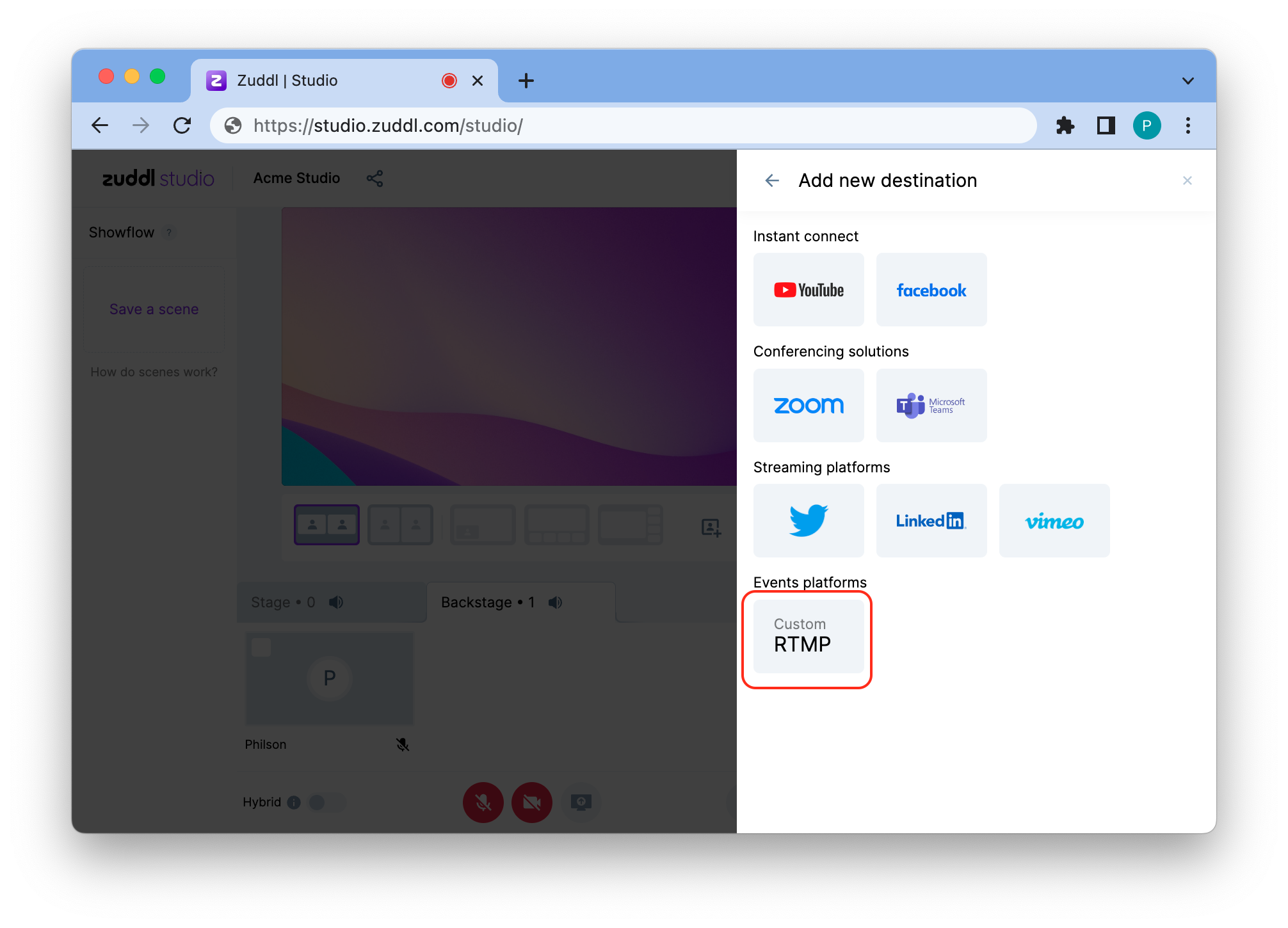
Zuddl Studio allows organizers to broadcast live content to both in-person and virtual attendees, ensuring a seamless experience. Speakers can share video feeds, presentations, and interactive elements, providing a professional and engaging environment for all participants. For example, a keynote speaker’s video feed and slides can be streamed to virtual attendees, ensuring they have the same experience as in-person attendees.
 ***
### Starting a session
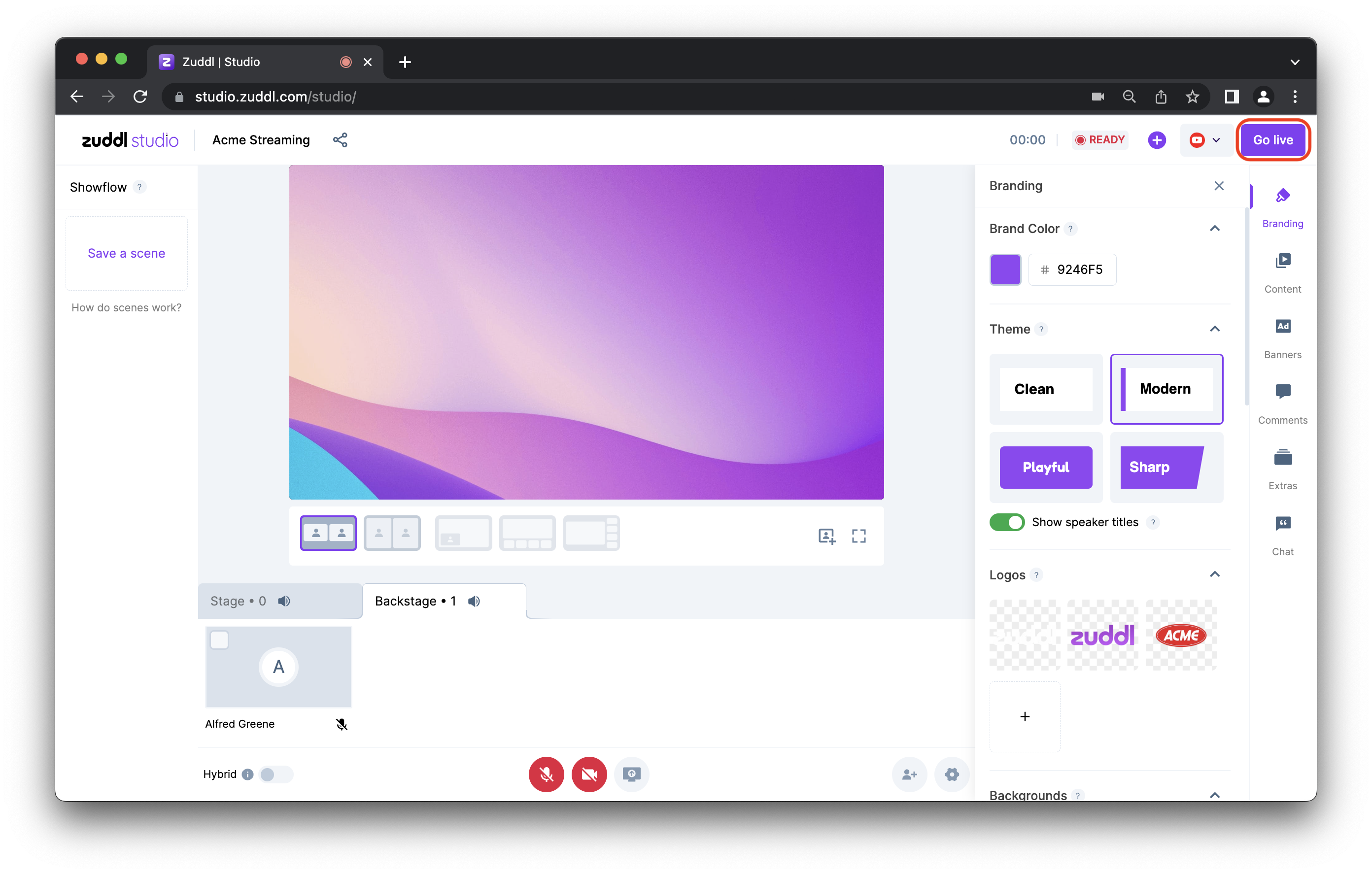
Starting a session in Zuddl Studio is simple, allowing organizers to configure video, audio, and content before going live. This ensures that everything is prepared and functioning correctly before the session begins. For example, organizers can preview the setup and confirm speaker readiness, reducing the chance of technical disruptions during the live event.
***
### Starting a session
Starting a session in Zuddl Studio is simple, allowing organizers to configure video, audio, and content before going live. This ensures that everything is prepared and functioning correctly before the session begins. For example, organizers can preview the setup and confirm speaker readiness, reducing the chance of technical disruptions during the live event.
 ***
***