> ## Documentation Index
> Fetch the complete documentation index at: https://docs.zuddl.com/llms.txt
> Use this file to discover all available pages before exploring further.
# Alerts and Updates
> Learn about alerts and updates
**Supported event types**\
Virtual ✅ | In-person ✅ | Webinar ✅ | Field event ✅ | Third-party
Zuddl’s **Alerts & Updates** keep organizers ahead of capacity crunches, such as ticket limit reached, or session capacity reached. Alerts are sent when a threshold is met (for example, “15 tickets left”), while updates deliver scheduled reports (such as daily registration summaries).
## Why this exists
For live events, without proactive signals, teams discover problems only after attendees encounter them—sold-out tickets promoted in email, sessions overbooked, or approvals piling up. Alerts notify organizers as soon as a trigger condition is hit so you can increase capacity, update limits and make other changes. Updates summarize registration health on a cadence so stakeholders do not need to pull reports or chase screenshots.
## Alert types
### Ticket limit reached
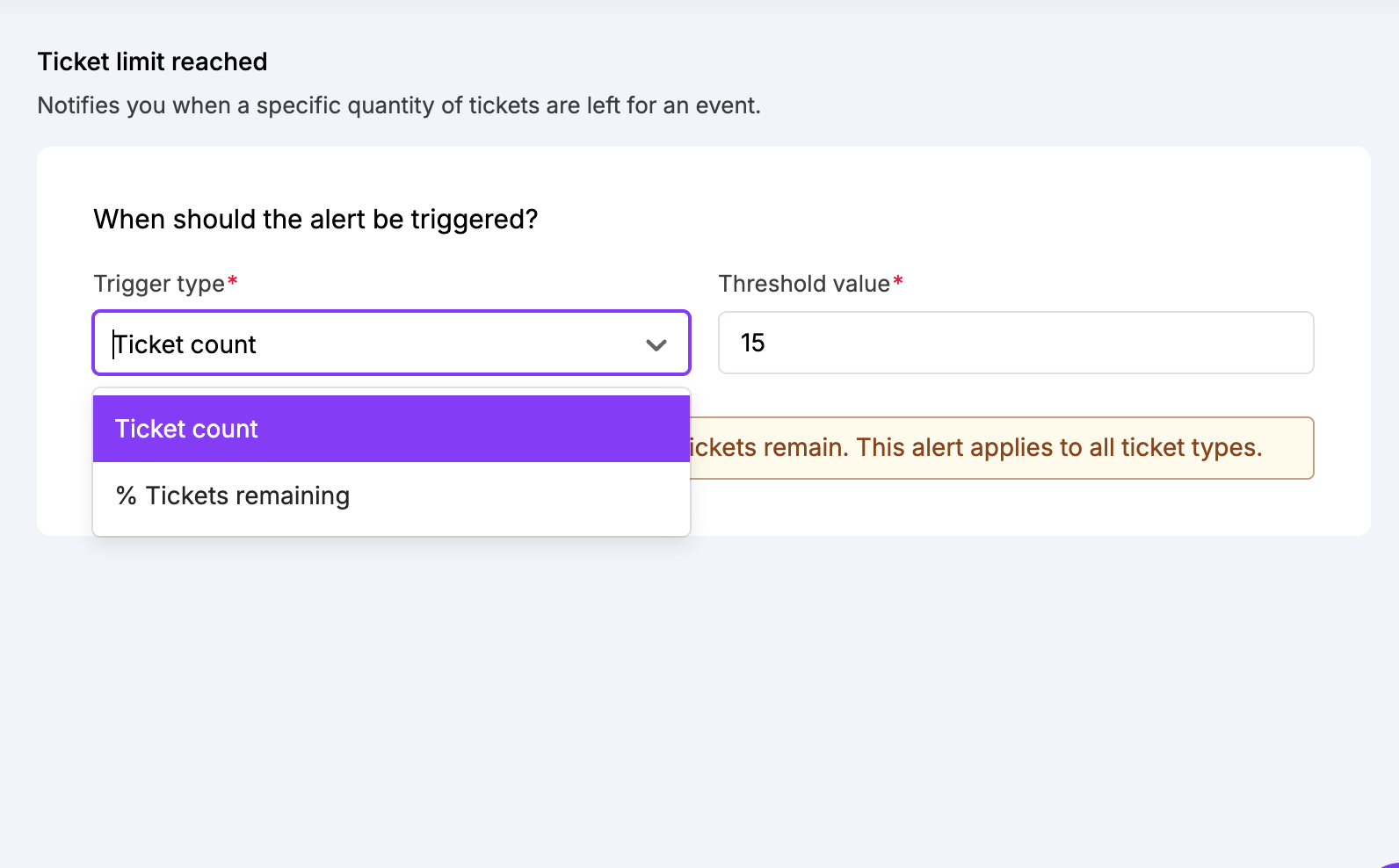
Use this when individual ticket types can sell out independently. The alert fires when the remaining quantity meets the threshold you define as either a **percentage** or an **absolute count** (default is *15 remaining*). The email includes total available, sold to date, and remaining—so pricing, tickets, or required changes can be made conveniently. This alert is valuable for high-demand SKUs (VIP, workshops) where you may want to release more units.
### Registration limit reached
Use this when you have a global event capacity. The alert fires when seats remaining meet the defined threshold (**percent** or **count**, default *15*). If an event capacity is not defined, this alert will not trigger. This is especially useful for non-ticketed events. The email includes total capacity, registrations to date, seats remaining, etc., so Ops can align with door staff, waitlists, and badge printing.
### Add-ons limit reached
Use this for inventory-limited extras such as paid trainings, merch, or sponsor experiences. It behaves like ticket alerts, but for each add-on SKU and within the add-on’s **sales window**. When it fires, the team can pause promotion, raise price tiers, or add capacity.
### Session capacity
Use this when session rooms have limits. The alert fires as specific sessions near capacity, provided a session capacity is set. It includes capacity, registrations, and seats remaining.
## Scheduled updates
### Event summary
Send this on a cadence to keep leadership and extended teams aligned. It shows **registrations to date**, **registrations since last summary**, and **invites**, **acceptances**, **speakers**, **sessions**, **sponsors**, and **booths**. The content adapts by event type: sessions are omitted for webinars; sponsors and booths are omitted for webinars and field events. You schedule it *every X days or weeks*, starting after event creation and ending on or before event start; the schedule respects the event time zone.
### Registrant status summary
Use this to watch registration bottlenecks. It breaks down **invited**, **declined**, **attempted**, **abandoned**, **pending approval**, **rejected**, **approved but not registered**, and **total registered**. Counts adapt by event type: for webinars, the invite/decline statuses are excluded; for webinars and field events, “approved but not registered” is excluded. Like Event summary, you set a cadence window (days or weeks), start after creation, and end by the event start. It also links to **Attendee Registration Details**.
##